Why Google reviews matter
Before choosing a café, a restaurant or a salon, people look at the rating and the number of reviews on Google. According to the BrightLocal Local Consumer Review Survey 2026 (1,002 adults surveyed in the United States), 68% of consumers only choose businesses rated 4 stars or higher.
Reviews also help you get found. In its help pages, Google explains that local ranking is based on relevance, distance and prominence, and that more reviews and positive ratings can improve a business's local ranking. Read Google's help on local ranking (new tab).
1. Ask at the right moment, and ask everyone
The best moment is the natural end of the experience: the bill, the checkout, handing over an order, the end of a treatment. The customer still has the experience in mind and a few seconds to spare.
Offer it to everyone, without filtering: Google forbids selectively soliciting reviews, that is, only from customers you think are happy. Ask for an honest review, not for “5 stars”.
2. Shorten the path to the review
Every step loses reviews. Don't say “look us up on Google”: give the direct link to your review form. Our guide How to find your Google review link shows where to copy it.
- Direct link: send it by WhatsApp, text message or email.
- QR code: free, on a poster, a receipt or a table tent.
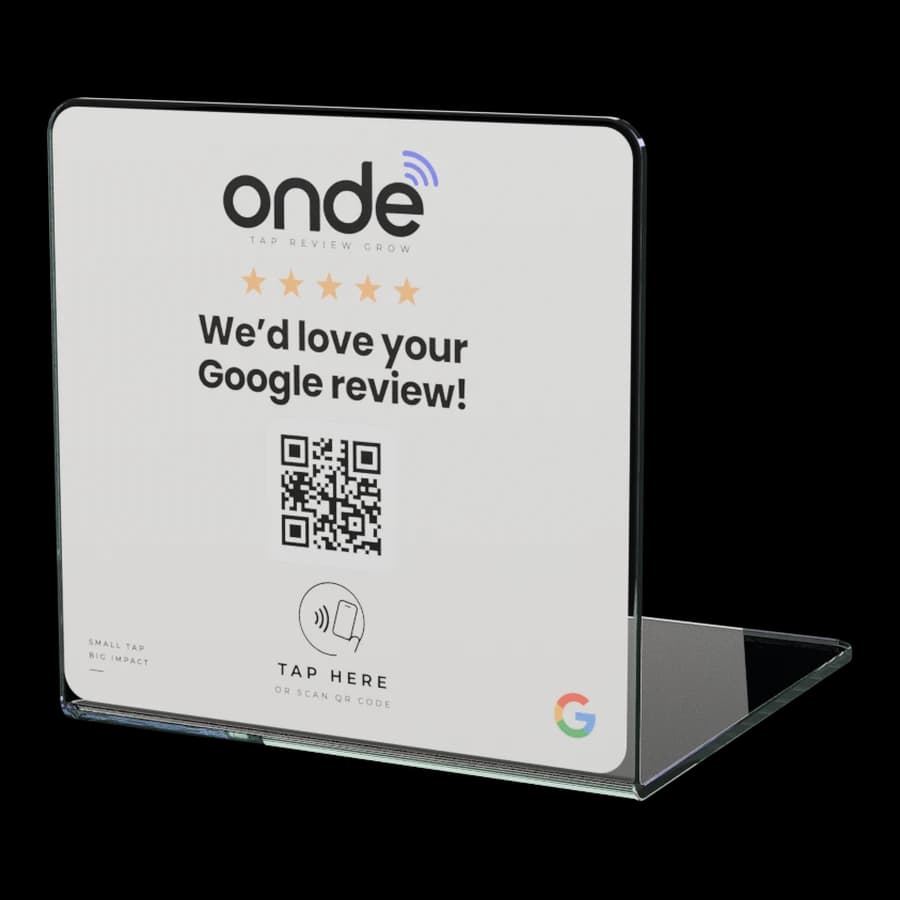
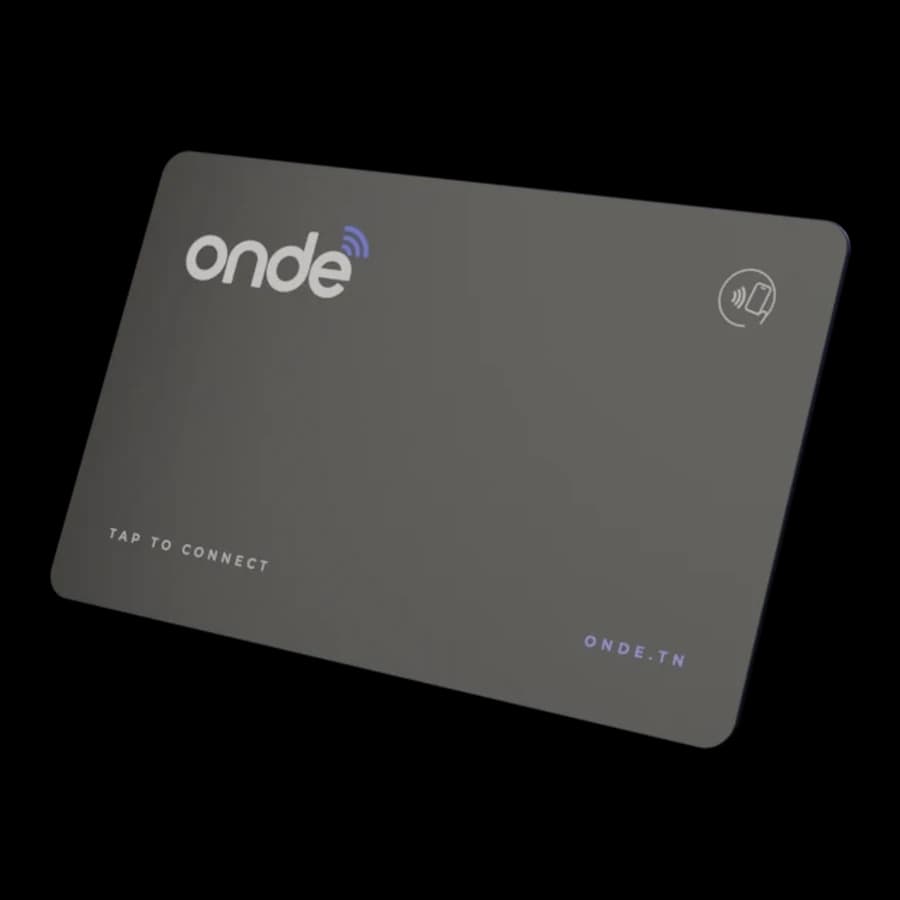
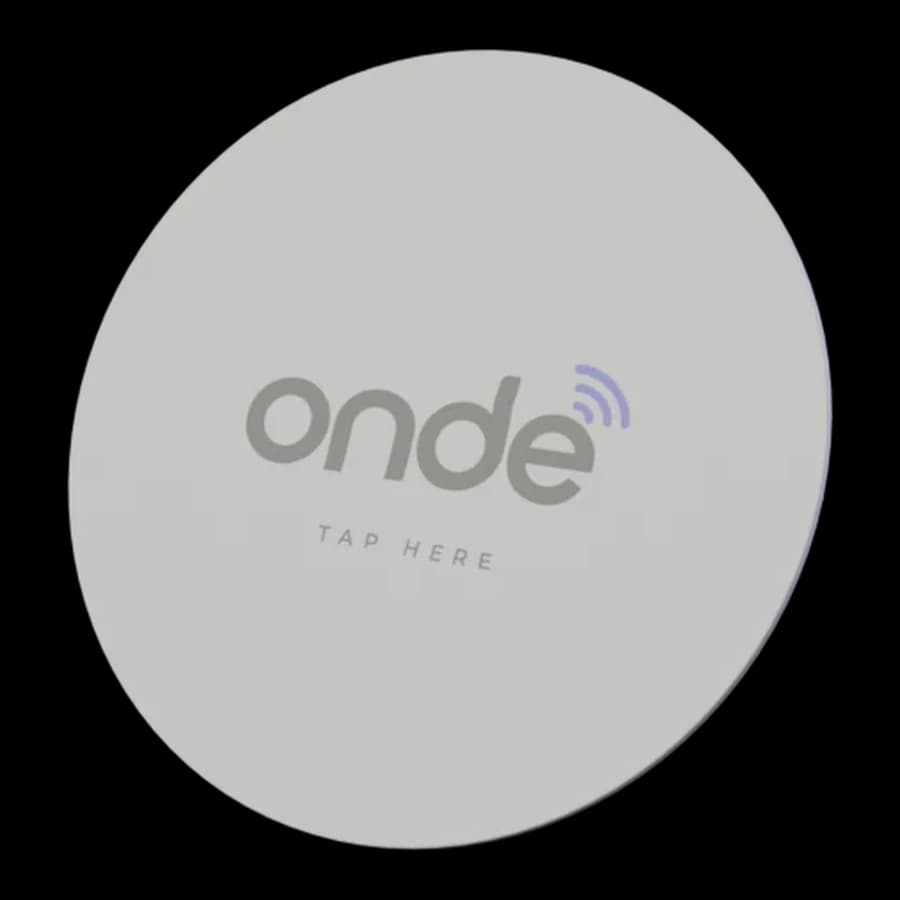
- NFC: one tap of the phone, no aiming or scanning. The fastest option on site.
3. Give your team one simple sentence
A short, sincere spoken request works better than a sign on its own. For example: “If you enjoyed it, a Google review helps us a lot. Just hold your phone here.”
Stay within the rules: Google forbids setting review quotas for staff, asking for reviews that mention an employee or specific content, and pressuring customers to rate on the spot. Offering is fine; insisting isn't.
4. Put the link where your customers are
- At the counter and by the till: everyone passes there.
- On tables and on the terrace, for cafés and restaurants.
- In the WhatsApp confirmation or delivery message.
- On the receipt, the invoice or the thank-you email.
- In your Instagram and TikTok bio.
An NFC + QR code item like the ONDE stand keeps the request visible at all times, without your team having to remember it for every customer.
5. Reply to reviews, especially negative ones
A reply shows future customers that you listen. Google recommends short, polite and useful replies, without sales pitches. Avoid pasting the same “thank you” under every review: a personal reply, even a one-liner, shows you really read your customers.
For a negative review: thank them, acknowledge what needs acknowledging, explain what you've changed and offer to continue in private. Never share personal information and never attack the reviewer. If the review breaks Google's policy (fake customer, abusive language), report it rather than replying in the same tone.
6. Polish your profile to show up on Google Maps
Reviews on an incomplete profile are worth less. Verify your business, then complete it: exact category, address, opening hours (including special hours), phone number, recent photos. Google says that complete, accurate profiles are more likely to show up in nearby searches.
No profile yet? Start by creating or claiming it: everything is explained in our guide to the Google review link.
7. Measure and adjust
Write down your review count every week and compare it with what changed: a new spot for the stand, a new sentence for the team, a WhatsApp message. With ONDE, your client page also shows taps per day, per product, and the NFC / QR code split, so you can see which items are actually used.
What Google forbids
Google removes reviews that don't reflect a genuine experience and can restrict profiles that break its content policy (new tab). Never use these methods:
- Offering something (a discount, a drink, a gift, a prize draw entry) in exchange for a review, for changing it or for removing a negative one.
- Buying reviews, or having them written by friends, employees or multiple accounts.
- Writing your own reviews, or reviews on a competitor's profile.
- Only asking happy customers, or discouraging negative reviews.
- Setting review quotas for your team or dictating what a review should say.
A tool doesn't replace a good experience: ONDE makes leaving a review easier, but guarantees neither a number of reviews nor a rating (see our terms of sale).
FAQ
Frequently asked questions
No. Paid reviews are forbidden by Google, which removes them and can restrict the profile involved. They also mislead your future customers. Asking honestly, more often, works better.